
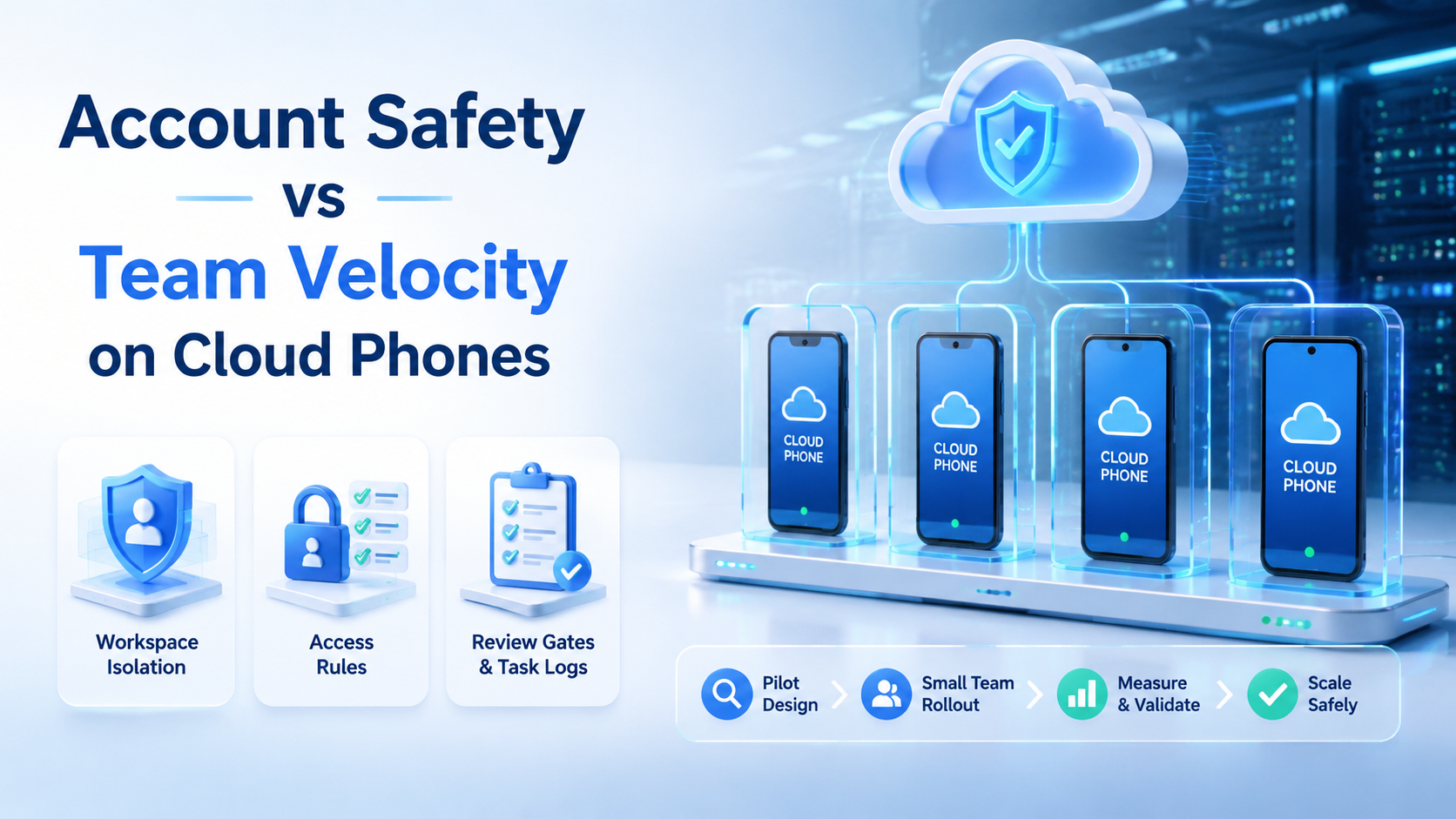
Account safety is the operating discipline that keeps account access, device context, network routing, and team actions controlled. On cloud phones, the right comparison is not safety versus speed. The practical verdict is simple: increase team velocity only after the account workspace is clear enough to audit.
Fast teams often want more devices, more operators, and more automation. That can help throughput, but it can also create wrong-account actions, unclear ownership, and weak recovery. A good cloud phone setup gives each account a defined mobile environment, then lets the team run repeated work without losing control.
Moimobi is built for this kind of cloud phone execution. It combines mobile workspaces, device isolation, routing control, and mobile automation for teams that manage repeated account work.
Key Takeaways
- Account safety and velocity should be designed together, not traded blindly.
- Cloud phones help most when each account has one controlled workspace.
- Team speed should come from repeatable workflows, not shared logins.
- Review gates matter for comments, DMs, support replies, and account changes.
- Task logs make faster operations easier to audit after the work runs.
- A pilot should measure both output volume and operational mistakes.
What to Compare Before Choosing account safety Controls
Compare account safety controls across four axes before scaling cloud phone work.
Workspace clarity: Each account should have a known device, owner, and workflow. A shared pool may look faster, but it creates confusion when several operators use the same account group.
Access control: Operators should only use the accounts and devices assigned to their role. This reduces internal errors such as posting from the wrong profile or replying from the wrong customer account.
Review gates: Sensitive work should pause for review. Examples include complaints, pricing replies, paid endorsements, recovery actions, and content that touches platform policy.
Task evidence: Faster work still needs a trace. A manager should be able to see what ran, who triggered it, which workspace was used, and whether the task completed.
Meta's Platform Terms are a useful reminder that platform-connected activity has rules. Instagram's Community Guidelines also matter for content, comments, and engagement behavior. Infrastructure does not replace those policies.
Key Differences Between Account Safety vs Team Velocity on Cloud Phones
The difference is not philosophical. It shows up in daily work.
| Decision area | Safety-first design | Velocity-first design | Balanced design |
|---|---|---|---|
| Account assignment | One account group per workspace | Operators choose any available device | Workspace is preassigned, but tasks are reusable |
| Posting | Manual approval for every action | Bulk execution with little review | Review only for sensitive categories |
| Replies | Human-only response flow | Fast replies from many operators | Templates plus review triggers |
| Monitoring | Slow manual checks | High-volume scans | Scheduled checks with exception logs |
| Recovery | Careful but slow investigation | Retry quickly without notes | Retry after cause, owner, and next step are logged |
Safety-first design can slow routine work if every small action needs approval. Velocity-first design can create preventable mistakes if ownership is unclear. The balanced model separates routine tasks from sensitive tasks.
For example, a low-risk monitoring check may run on a schedule. A customer complaint or platform warning should move to a human review path. That keeps speed where it is useful and caution where it is needed.
Features, Workflow, and Trade-Offs
The most useful cloud phone features are operational, not decorative. A team needs account workspaces, device isolation, routing visibility, role permissions, task logs, and human takeover.
Device isolation helps keep workspaces separate. It does not make risky behavior acceptable, but it lowers internal mixing between accounts. This is especially useful when a team handles multiple social profiles, marketplace accounts, or messaging accounts.
Routing visibility matters because account work can depend on network context. Teams should know which routing path belongs to which environment. Moimobi's proxy network is relevant when routing and workspace control need to be managed together.
Workflow design decides whether velocity becomes useful. A repeatable workflow might include content upload, app check, comment review, reply draft, approval, and result logging. The same steps can run faster after the account, task, and reviewer are mapped.
Pricing and Operational Considerations
The cheapest device slot is not always the cheapest operating model. A low-cost setup can become expensive when operators waste time finding accounts, fixing wrong actions, or reconstructing what happened after a task failed.
Budget planning should include:
- number of account workspaces
- operator roles
- review workload
- routing needs
- automation scope
- recovery and audit time
- training for account-specific SOPs
The FTC's Endorsement Guides are relevant when social workflows include paid relationships, creator campaigns, or testimonial content. Teams should account for disclosure review when planning velocity.
Cloud phones can improve team speed when they remove device handoff delays. They can also add process overhead if every workspace is unmanaged. The practical cost model is device capacity plus operating discipline.
Which Option Fits Different Teams
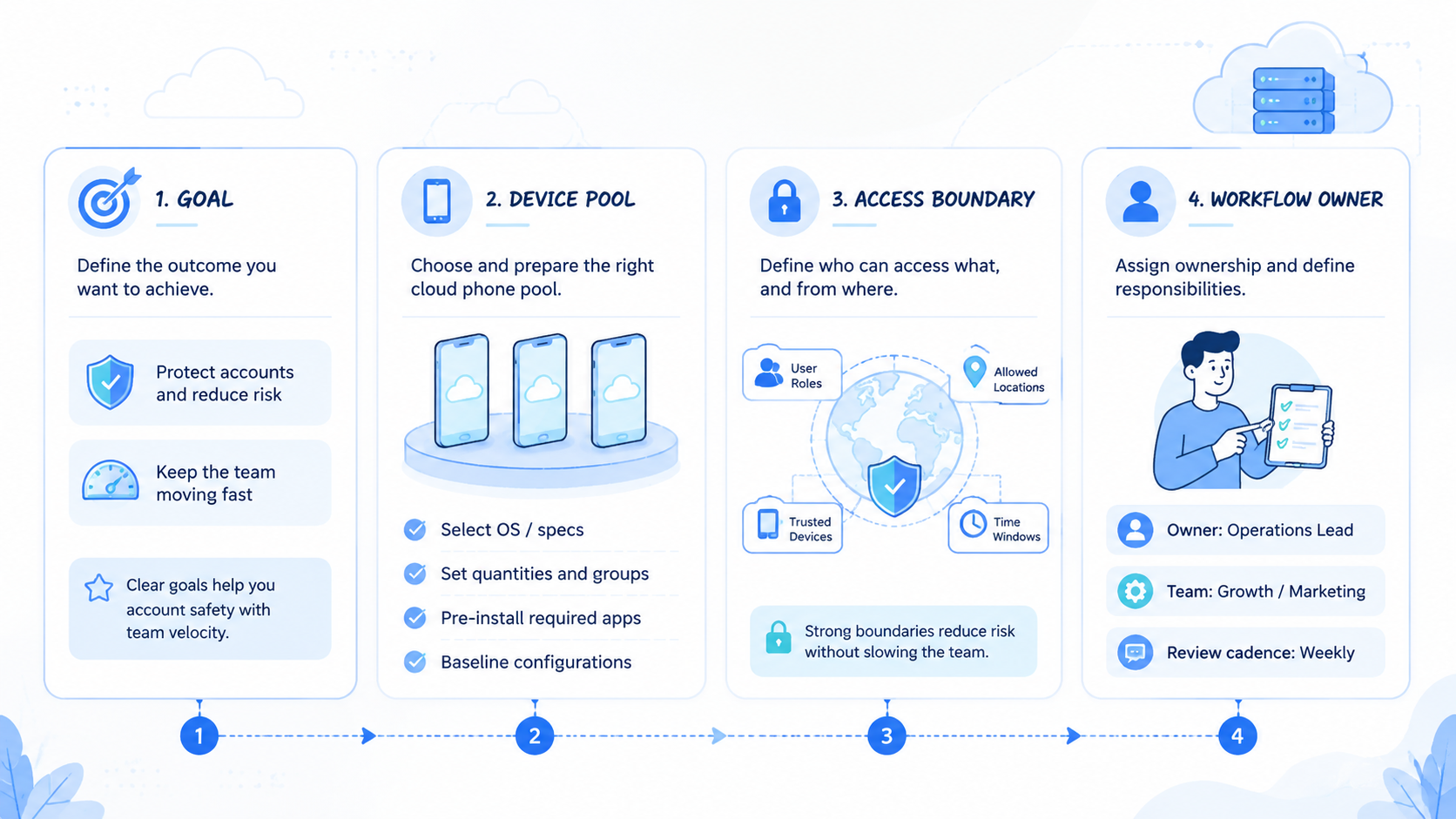
Small teams should start with control. One account, one workspace, one owner, and one task log is enough for a first pilot. Add automation only after the manual version is predictable.
Agencies need stronger separation. Client accounts should not share unclear device context. A better setup assigns workspaces by client, platform, and operator role.
Support teams need review rules. Routine replies may be fast, but complaints, refunds, pricing, and sensitive cases should pause before sending. This keeps team velocity from turning into uncontrolled response volume.
Growth teams need measurement. Publishing, browsing, monitoring, and lead follow-up should have success and failure states. Moimobi's multi-account management fits teams that need account-level control across many workflows.
- accounts have high business value
- many operators touch the same platform
- content or replies need review
- recovery history is hard to reconstruct
- tasks are routine and low sensitivity
- owners and workspaces are already mapped
- failure handling is documented
- review rules are clear and tested
Pilot Checks Before Scaling
A pilot should test the system, not just the output count. Choose one account group and one workflow. Run it for a short review window before adding more accounts.
Track these signals:
- wrong-account actions
- manual takeover reasons
- failed task count
- recovery time
- reviewer workload
- repeated operator questions
- accounts with unclear ownership
Do not expand if the team cannot explain failed actions. More devices will only spread the confusion. Fix ownership, task design, and review routing first.
The strongest signal is audit clarity. After a task runs, the team should know the account, workspace, operator, action, outcome, and next step. If that record is missing, velocity is moving faster than control.
Comparison Scorecard for account safety and Velocity
Use a scorecard before approving more accounts. It turns the safety-speed debate into a review meeting with evidence.
| Review item | Green signal | Warning signal |
|---|---|---|
| Workspace mapping | Every account has one assigned phone | Operators choose devices case by case |
| Role access | Operators see only assigned workflows | Everyone can touch every account |
| Review routing | Sensitive actions pause automatically | Review depends on memory or chat messages |
| Task record | Outcome, owner, and next step are logged | Failures are reconstructed from screenshots |
| Recovery path | Retry rules and owners are documented | Operators retry until something works |
| Scale decision | Expansion follows a passed pilot | More accounts are added to hide process gaps |
Teams can score each row as pass, watch, or fail. A single fail does not mean the program must stop. It means the next rollout should wait until the weak row has an owner and a fix.
The scorecard also helps compare vendors. A provider with more devices but weaker logs may fit temporary work. A provider with fewer flashy features but stronger workspace control may fit repeated account operations better.
Frequently Asked Questions
Does a cloud phone improve account safety?
It can improve account control when each account has a dedicated workspace, owner, and review path. It should not be treated as a shield from platform rules.
What slows teams down most on cloud phones?
Unclear ownership is a common drag. Operators lose time when they do not know which account, device, or workflow they should use.
Can teams move fast without sharing accounts?
Yes. Speed should come from reusable workflows and assigned workspaces, not from shared logins or unclear device pools.
How should agencies structure client accounts?
Agencies should separate workspaces by client and role. Client content, replies, and recovery actions need clear ownership.
What tasks need human review?
Complaints, sensitive replies, pricing claims, paid endorsements, and account recovery steps should usually move through review.
Is account safety only a technical issue?
No. Technical isolation helps, but SOPs, role access, review rules, and logs are just as important.
What should a pilot measure?
Measure task completion, wrong-account events, manual takeovers, failed actions, and recovery time. Output volume alone is not enough.
Where does Moimobi fit?
Moimobi fits teams that need cloud phones, isolation, routing control, and automation for repeated account workflows.
Conclusion
Choose account safety first when ownership, review, and recovery are unclear. Add team velocity when the account workspace, task path, and audit trail are stable.
The next step is a small pilot. Map one account group to cloud phones, run one repeated workflow, and review every failure. Scale only when the team can move faster without losing account-level control.



