
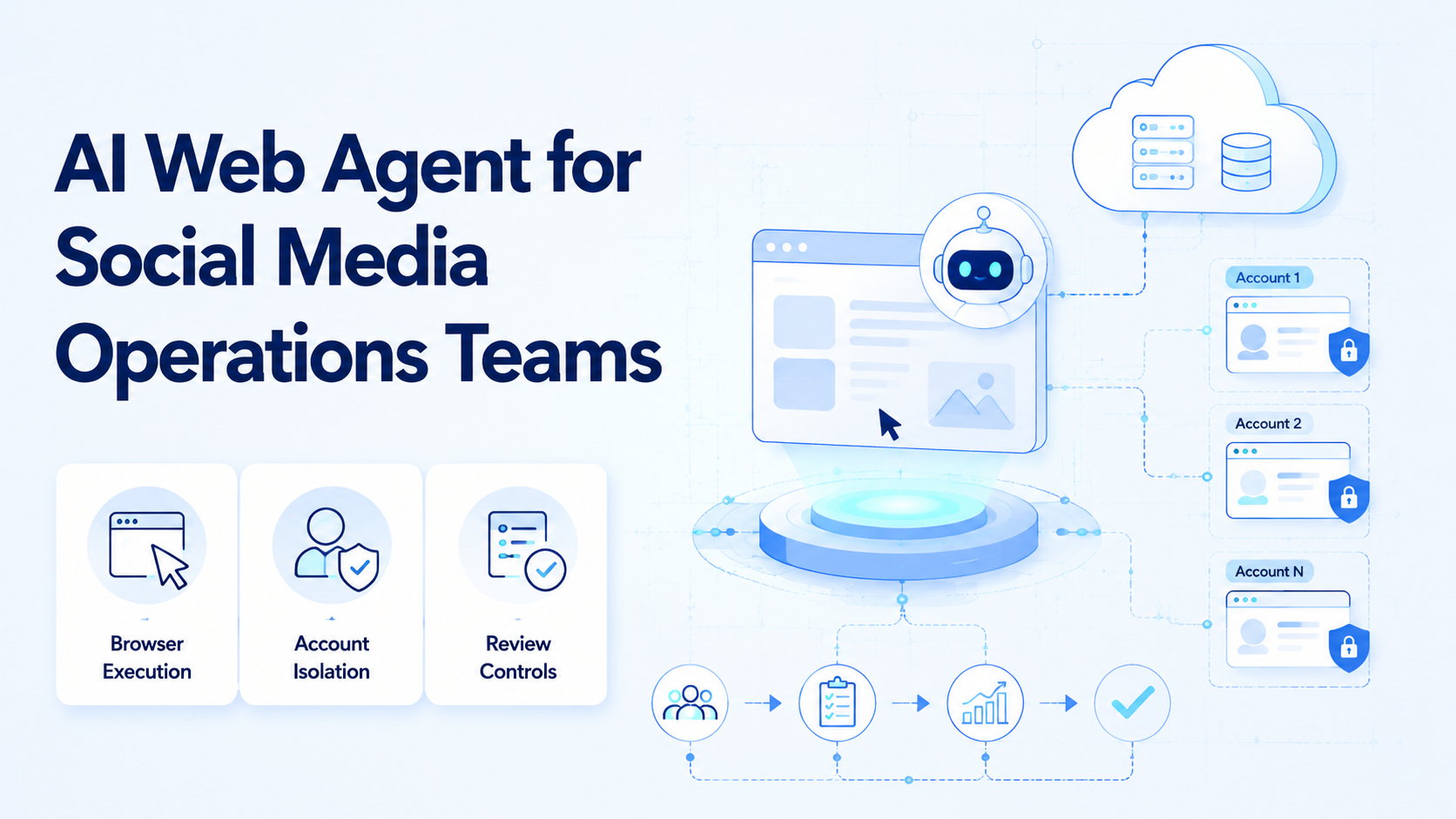
An AI web agent is software that uses a browser workspace to plan, navigate, read, and execute web-based tasks with human review where needed. For social media operations teams, the real value is not a flashy chatbot. The useful output is a repeatable way to turn research, publishing preparation, inbox triage, reporting, and account checks into controlled browser workflows.
The decision is practical. A team needs to know whether the agent can work inside logged-in web tools, keep accounts separated, preserve audit trails, and pause when a human should approve an action. Standards such as the W3C WebDriver specification show how browser automation can expose controlled browser actions, while platforms such as Playwright document isolated browser contexts for separate sessions. An AI web agent adds planning and task logic on top of that execution layer.
For teams evaluating a BitBrowser alternative, a BitBrowser alternative for social media automation, or a Ghost Browser alternative, the key question is broader than profile management. The better question is whether the system connects profile isolation, browser execution, workflow memory, and team controls in one operating model.
Key Takeaways
- An AI web agent should execute browser tasks, not only generate text.
- Social media teams need account separation, review checkpoints, and task logs.
- Browser profile tools help with environment separation, but they are not a full workflow system by themselves.
- Platform rules still matter. Automation should support compliant operations, not fake engagement or mass spam.
- A pilot should measure completion quality, review load, exception rate, and account-workspace hygiene.
What Is an AI Web Agent for Social Media Operations Teams?
For social media operations teams, an AI web agent is an execution layer for browser-based workflows. The setup combines a browser session, task instructions, data extraction, content preparation, and approval rules. The agent may open a dashboard, collect post performance, prepare a reply draft, check comments, or move information into a team tracker.
Three layers matter most:
- Browser environment. The agent needs a persistent session, account workspace, and controlled browser access.
- Task logic. The agent needs instructions, workflow steps, memory from prior runs, and stop rules.
- Team governance. The workflow needs review, logs, account assignment, and error recovery.
This is where MoiMobi should be understood as execution infrastructure, not only an AI browser. The browser is where work happens. The surrounding system decides which account is used, which step is allowed, and when a human reviews output.
For a social media team, a simple example is weekly competitor monitoring. The agent opens saved dashboards, collects visible public signals, and creates an internal brief. A human still decides what to publish.
Why AI Web Agent Workflows Matter
Social media operations rarely happen in one tool. A team may use TikTok web pages, Instagram tools, spreadsheets, dashboards, CMS tools, and support inboxes. Manual context switching becomes the hidden cost.
This agent matters because it can hold the workflow together. Instead of asking one operator to open five sites and copy the same fields every day, the team defines a repeatable path. The agent handles the routine movement. The operator reviews decisions that require judgment.
Platform compliance remains part of the system design. Meta's inauthentic behavior policy explains that misleading identity and coordinated misuse are prohibited. That means automation should not be framed as a way to disguise behavior. The safer business framing is separated workspaces, operator accountability, and controlled execution.
This distinction changes tool selection. A basic profile browser may separate sessions. A stronger operations system also connects roles, queues, review, reporting, and recovery checks.
Key Benefits and Use Cases
The first benefit is cleaner task routing. One account can have one assigned browser workspace, one queue, and one responsible owner. This reduces the chance that operators mix accounts, reuse the wrong session, or publish from the wrong context.
The second benefit is repeatable browser work. Social media operations include many tasks that are structured but still browser-bound:
- collecting post URLs for a campaign report;
- preparing draft replies for comment review;
- checking account notifications;
- gathering public competitor examples;
- moving approved content into a publishing queue;
- updating internal trackers after a task finishes.
The third benefit is review control. A well-designed agent does not need to click every final action. It can prepare content, collect evidence, and pause before public actions.
Teams that rely on browser-only tools often hit a ceiling. They may have profiles, but no workflow memory. A platform that combines multi-account management with execution environments gives operations leaders a clearer control model.
AI Web Agent Setup Checklist
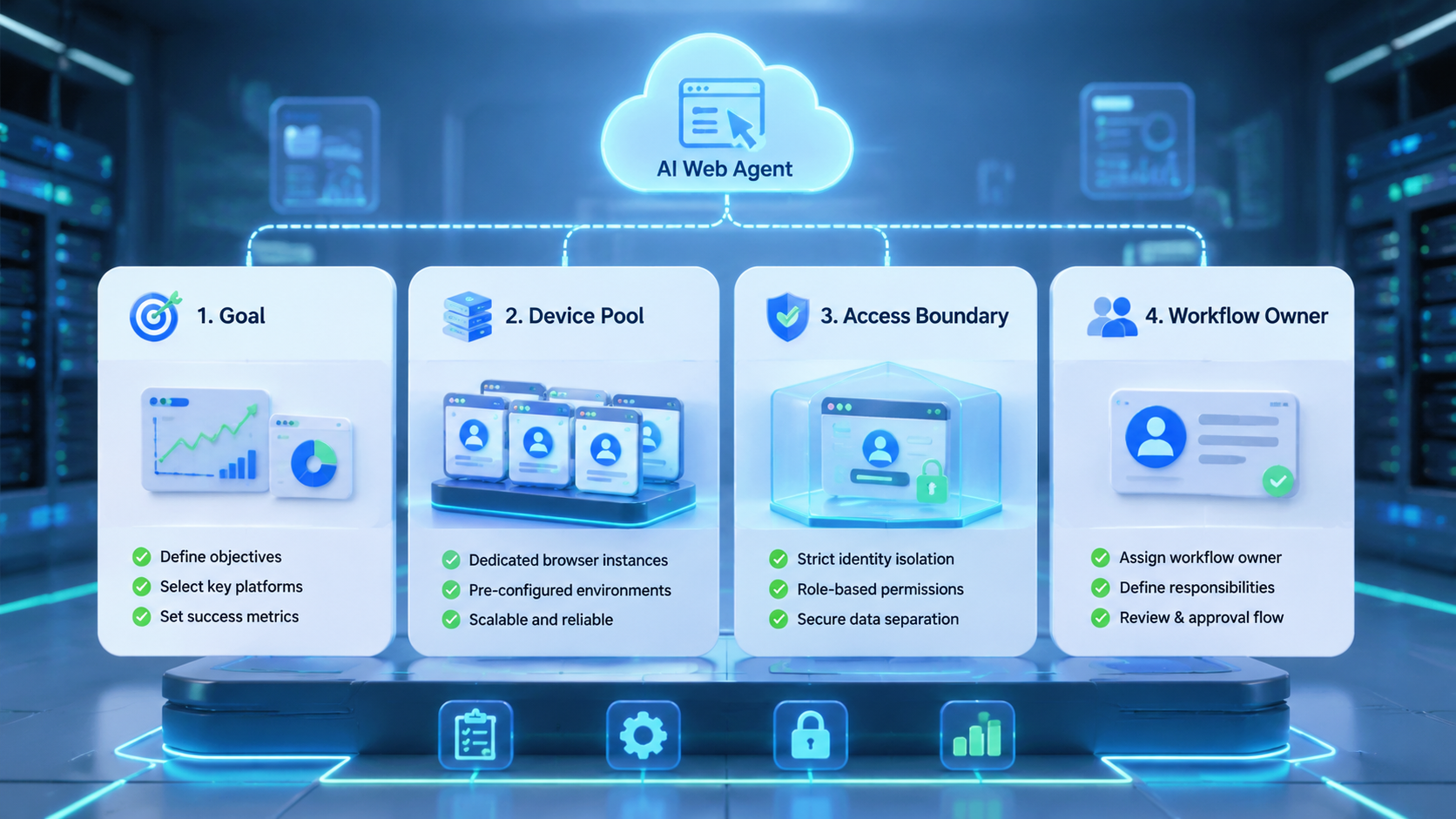
Begin with one workflow, not a full department rollout. Pick a task that has clear inputs, visible output, and a known reviewer. Good candidates include daily account checks, report collection, comment triage, or draft content preparation.
| Checkpoint | Pass condition | Stop condition |
|---|---|---|
| Account workspace | Each account has a separated browser profile | Operators share sessions across accounts |
| Task path | Steps are written as a repeatable SOP | The task depends on undocumented judgment |
| Review rule | Public-facing actions require approval | The agent posts or replies without review |
| Logging | Runs record status, output, and errors | Failures disappear into chat history |
A team using a fingerprint browser today can keep the profile-isolation habit. The upgrade is to connect that environment to repeatable work. MoiMobi's device isolation helps when browser and mobile execution need the same account discipline.
Common Mistakes to Avoid
The first mistake is treating an AI web agent as a replacement for policy judgment. Automation does not remove platform rules. Any workflow that simulates fake engagement, misleading identity, or aggressive unsolicited activity creates operational risk.
The second mistake is skipping account assignment. If three operators use one shared workspace, the team loses traceability. When something breaks, nobody knows which operator, workflow, or account state caused the issue.
The third mistake is starting with the hardest workflow. Publishing, replying, and outreach require stronger review rules than research or reporting. A safer first pilot is data collection, draft generation, or internal task preparation.
Another mistake is comparing tools only by profile count. A Ghost Browser alternative may help organize sessions, but social teams also need task queues, audit trails, and approval gates.
Who It Fits and When It Is a Strong Match
The strongest fit is a team with repeated browser work across multiple accounts. This pattern is common in agencies, e-commerce teams, creator operations teams, and support teams that operate in web dashboards every day.
A strong match has a stable path. For example, "open account dashboard, collect metrics, paste into report, flag anomalies" is a good candidate. "Invent a brand strategy from scratch" is not a browser execution problem.
Poor fit appears when the company has no account process. Automation will amplify a messy workflow. The team should first define account ownership, review responsibilities, platform boundaries, and escalation rules.
For social teams that also need mobile app execution, browser-only systems may be incomplete. TikTok, Instagram, WhatsApp, and other workflows often involve mobile-first surfaces. A combined browser and mobile automation model is easier to scale.
Use a simple fit score before rollout:
Repeated account checks, report collection, draft replies, content routing, and documented SOPs.
One-off creative strategy, unclear ownership, sensitive outreach, or workflows that change every day.
Any step that posts, replies, follows, messages, changes account settings, or affects a public profile.
This scorecard prevents the team from automating the wrong layer. Start with routine collection and preparation. Move toward execution only after the account workspace, reviewer, and recovery path are proven.
That order keeps the pilot small enough to inspect without hiding failures inside a large rollout.
It also makes later team training easier to document.
Pilot Rollout, Measurement, and Recovery Checks
A useful pilot starts with one account group and one workflow. The goal is not to prove that AI can click a page. The goal is to prove that the team can run a repeatable process with fewer manual steps and better visibility.
Measure four things:
- Completion rate: how many runs finish without human repair.
- Review load: how much time reviewers spend checking output.
- Exception type: login issue, selector change, missing input, unclear instruction, or policy stop.
- Business usefulness: whether the output supports a real decision or task.
Recovery checks matter because web products change. The TikTok Content Posting API documentation shows that official posting flows have defined scopes and requirements. Browser workflows should respect the same platform boundaries.
Teams should also test handoff. If one operator leaves, another person should understand the workflow, account workspace, latest run status, and next required action.
Frequently Asked Questions
Is an AI web agent the same as browser automation?
No. Browser automation controls browser actions. An AI web agent adds task interpretation, workflow memory, and review logic around those actions.
Can an AI web agent publish social media posts?
Publishing workflows can be prepared or executed when the platform, permissions, and team rules allow it. Teams should keep approval gates for public actions.
Is this a BitBrowser alternative?
Evaluate it as a BitBrowser alternative when the need includes account workspaces and workflow execution. If you only need profile storage, a simpler profile browser may be enough.
Is this a Ghost Browser alternative?
It depends on the use case. Ghost Browser-style session organization is different from AI-driven execution, task memory, and account-level operations.
How many accounts should a team start with?
Use a small account group first. Prove the workflow, review process, and recovery path before expanding.
What should remain human-controlled?
Brand judgment, sensitive replies, outreach decisions, and final public-facing approvals should stay under human control.
What is the biggest operational risk?
The biggest risk is automating an unclear process. Define account ownership, task steps, review rules, and stop conditions first.
Does an AI web agent replace social media management software?
Usually not. It can complement scheduling, analytics, and inbox tools by handling browser-based execution work those tools do not cover.
Conclusion
The best use case appears when a social media operations team already knows which repeated browser tasks consume time. Choose a workflow that has clear inputs, a separated account workspace, and a reviewer.
Before choosing a tool, check four items: account isolation, browser execution reliability, review controls, and recovery logging. If the team also needs mobile app workflows, evaluate browser execution alongside social media marketing and mobile execution capacity.



