
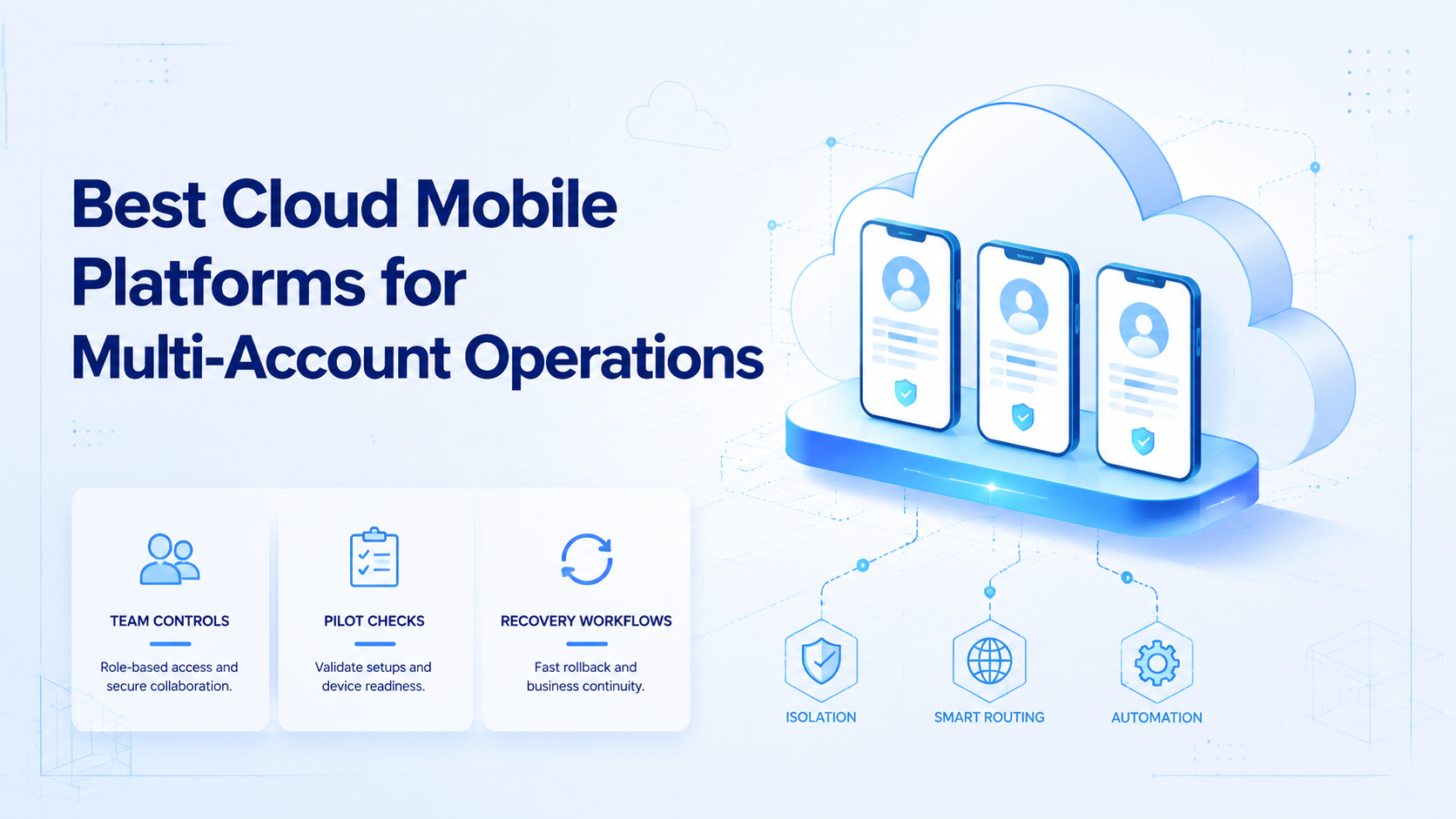
A cloud mobile platform is a remote mobile execution system that lets teams run app-based work without passing physical phones between operators. For multi-account operations, the practical choice is not simply the provider with the most devices. It is the platform that keeps account workspaces separated, repeatable, and easy to review.
Teams usually evaluate cloud mobile options when social media, messaging, or marketplace workflows need real mobile app context. Moimobi fits this category as execution infrastructure for cloud phone workflows, multi-account management, and app-based automation. The practical question is which setup gives the team enough isolation, routing control, task visibility, and recovery discipline.
Key Takeaways
- Choose a cloud mobile platform by workflow fit, not by device count alone.
- Multi-account teams need workspace isolation, routing control, and task logs.
- Emulators can help development, but operating teams often need persistent app workspaces.
- A pilot should measure task success, operator handoff, failed actions, and account drift.
- Avoid any platform choice that makes all accounts share the same unclear device context.
- A practical platform is one your team can audit after the work runs.
How to Evaluate a cloud mobile Platform
Begin with the account workflow, then evaluate the platform. A cloud mobile platform should match how the team publishes, replies, monitors, and recovers from failed tasks.
Use these checkpoints before comparing vendors:
- Account separation. Each account should have a defined workspace, owner, and access path.
- Mobile app fit. The platform should support the apps and operating patterns your team actually uses.
- Routing control. Teams should understand how network routing is assigned and reviewed.
- Task repeatability. Repeated work should move through known workflows, not ad hoc operator memory.
- Human takeover. Sensitive replies, failed actions, and unusual account states should have a review path.
- Audit trail. Managers should know which account ran which task, where it ran, and what happened.
This is where generic device access can fall short. A remote Android session is useful, but operations teams need more than a screen. They need a controlled account workspace that survives repeated work.
For technical context, Android Developers positions the emulator as a way to run and test apps on virtual devices during development. That makes it valuable for app testing, but it does not automatically solve team account operations, routing, or review control. See Android's emulator documentation for the development use case.
The Capabilities That Actually Change Outcomes in cloud mobile Work
Device quantity matters only after the core operating model is stable. The capabilities that change outcomes are the ones that reduce confusion when more accounts, more operators, and more repeated tasks enter the system.
The first capability is workspace isolation. Each important account should run in a known environment. That does not remove platform policy risk, but it reduces internal mix-ups such as shared sessions, wrong-account actions, and unclear ownership.
The second capability is routing visibility. Multi-account work often depends on knowing where traffic is coming from and who controls the network layer. A platform should make this visible enough for operations review.
The third capability is execution control. A useful cloud mobile stack lets the team define tasks such as publishing, inbox checks, comment review, and customer follow-up. Moimobi connects these workflows with mobile automation so the environment and the task stay linked.
One useful comparison point is AWS Device Farm. AWS describes it as a service for testing apps on real mobile devices. That is a strong testing pattern, but testing services and account-operation systems solve different problems. The official AWS Device Farm overview explains that testing context.
Adoption Cost, Setup Friction, and Team Fit
The common mistake is treating cloud mobile as a cheaper phone shelf. That view misses the real cost. The cost is not only the device slot. It also includes account mapping, permission design, operator training, review rules, and recovery handling.
Small teams can start with a simple structure. Give every account one environment, one owner, and one allowed workflow. Then add task logs before expanding to more accounts.
Agencies need stronger controls. Client accounts should not share unclear workspaces. Operators should know which environment belongs to which client, which actions are allowed, and which replies need review.
E-commerce and customer engagement teams need handoff discipline. A support reply, order update, or lead follow-up may involve multiple people. The platform should show who touched the account and what the next action is.
- Teams managing many app-based accounts
- Agencies needing separated client workspaces
- Operators running repeated publishing or reply workflows
- Managers who need task logs and recovery checks
- One-off app testing with no account workflow
- Teams that only need desktop browser access
- Workflows with no owner, review rule, or tracking process
- Projects expecting automation to replace policy judgment
Which Option Fits Different Operating Scenarios
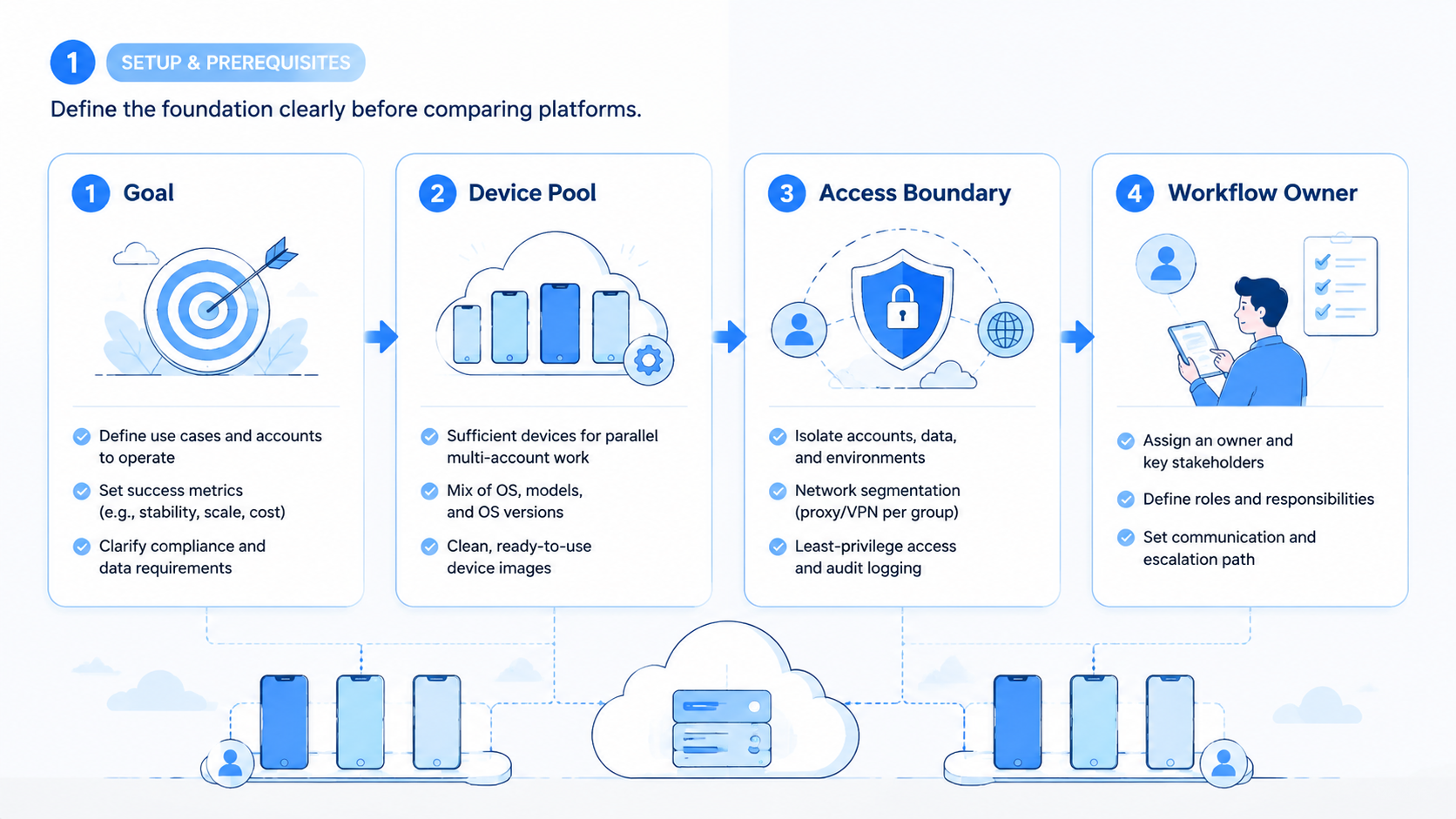
Different cloud mobile options fit different jobs. A platform comparison should separate development testing, personal remote access, and business operations.
| Scenario | Better fit | Decision rule |
|---|---|---|
| App QA and compatibility testing | Device testing service or emulator | Choose by device coverage, test automation, and debugging needs |
| One temporary mobile session | Lightweight remote Android access | Choose by speed, cost, and short-session convenience |
| Multi-account social operations | Cloud mobile execution platform | Choose by isolation, task logs, routing, and workflow control |
| Agency client account work | Managed account workspace model | Choose by role permissions, handoff, and review visibility |
| Repeated app-based engagement | Mobile automation stack | Choose by repeatability, failure tracking, and human takeover |
BrowserStack also frames real-device cloud access around testing apps and websites on real devices. That is useful evidence that remote device access is a recognized category, but testing workflows are not the same as multi-account operations. BrowserStack's real-device automation documentation explains that testing model.
For Moimobi buyers, the closest evaluation path is broader than a single remote phone. Compare device isolation, proxy network, and workflow execution together. Those layers determine whether the setup stays manageable when account count grows.
Pilot Rollout, Measurement, and Recovery Checks
A pilot should not try to automate everything. Start with one account group, one workflow, and one measurement window. The goal is to see whether the operating system holds together before more accounts are added.
Track four signals during the pilot:
- Task completion rate: how many planned actions finish without manual rescue.
- Wrong-account incidents: whether operators ever act in the wrong workspace.
- Manual takeover reasons: why a human had to pause, approve, or repair a task.
- Recovery time: how long it takes to understand and fix a failed workflow.
Do not measure only output volume. More posts, replies, or app sessions can hide weak process design. A useful pilot shows whether the team can repeat the workflow and explain each failure.
Add a weekly review. Remove unused environments, update owner assignments, and flag accounts with repeated failures. This keeps the cloud mobile system from becoming a loose device pool.
Final Selection Checklist
Use this checklist before choosing a provider:
- Can every account be mapped to one controlled workspace?
- Can operators see the account, device, and task relationship?
- Can the team separate publishing, reply, monitoring, and recovery workflows?
- Can managers review failed tasks without asking operators for screenshots?
- Can the network and device setup be explained during an internal audit?
- Can the pilot start small without rebuilding the system later?
- Can human review pause sensitive actions before they run?
If the answer is unclear on several points, keep the pilot smaller. A controlled pilot is more useful than a large rollout with no review loop.
Frequently Asked Questions
What is a cloud mobile platform?
A cloud mobile platform provides remote mobile environments for app-based work. For teams, the useful version also includes account mapping, routing control, and task visibility.
Is a cloud mobile platform the same as an emulator?
No. An emulator is often used for app development or testing. A cloud mobile operations platform is usually judged by persistent workspace control, handoff, and multi-account workflow support.
What matters most for multi-account operations?
Account separation matters first. After that, evaluate routing visibility, role control, task logs, and recovery handling.
Should agencies use one device for many client accounts?
That is usually hard to manage. Agencies should prefer separated workspaces so client ownership, access, and task history remain clear.
How should a team pilot cloud mobile operations?
Use one account group and one repeated workflow. Measure task completion, manual takeover, failed actions, and owner drift before scaling.
Can cloud mobile platforms remove account problems?
No platform should be treated as a complete shield. Good infrastructure reduces internal confusion, but teams still need compliant workflows, human review, and platform-aware behavior.
Where does Moimobi fit?
Moimobi fits teams that need cloud phones, device isolation, routing control, and automation around repeatable mobile workflows. It is best evaluated as execution infrastructure, not only device rental.
What should teams avoid when comparing providers?
Avoid comparing only by device price. A low-cost device pool can become expensive if it creates unclear ownership, weak recovery, or repeated wrong-account work.
Conclusion
The best cloud mobile platform for multi-account operations is the one that keeps account work controlled after the first setup. Prioritize isolation, routing visibility, task logs, human takeover, and recovery checks before comparing extra features.
Run a small pilot first. Map accounts to workspaces, run one repeated workflow, and review failures. If the team can explain what happened after every task, the platform is ready for broader evaluation.



