

Whether you are running a digital marketing agency, expanding a cross-border e-commerce empire, or building a social media presence, you eventually hit a mathematical limit: a single individual can only achieve so much reach with one account. To scale operations, businesses rely on a strategy known as multi-account management.
Historically, teams used physical phone farms or PC emulators to manage these accounts. Today, the industry standard has shifted entirely to cloud phones. In this comprehensive guide, we will explore the mechanisms behind account bans, why cloud phones are the ultimate solution for isolation, and how to set up an unbreakable multi-account matrix for your business.
1. The Core Challenge: Why Platforms Ban Multiple Accounts
Before you can safely manage multiple accounts, you must understand how platforms like TikTok, Facebook, Instagram, and WhatsApp identify suspicious activity. These apps do not simply look at your username and password; they gather a massive amount of hidden data to build a "profile" of your device. This process is called Device Fingerprinting.
If a platform detects that twenty different accounts are logging in from the same "fingerprint," they classify it as a bot network or spam farm and instantly ban them. The platform looks at three primary layers of data:
- Network Layer: What is your IP address? Is it a commercial data center IP, or a real residential Wi-Fi? Are multiple accounts sharing the same IP?
- Hardware Layer: What is the IMEI number, MAC address, and Android ID of the phone? What is the battery level? Are the gyroscope and accelerometer sensors registering real human movement?
- Software Layer: What other apps are installed? Are there virtualization tools, emulators, or rooting software present on the device?
2. What Is a Cloud Phone in the Context of Account Management?
A cloud phone is a virtual Android smartphone hosted on a remote server. You access the screen via your computer's web browser, but the actual processing happens in a secure data center.
For multi-account operators, the cloud phone acts as an impenetrable sandbox. Professional cloud phone platforms utilize advanced Android antidetect technology. This means that every single cloud phone you create generates a completely unique, randomized hardware fingerprint. It looks and behaves exactly like a brand-new Samsung, Google Pixel, or Xiaomi device that has just been unboxed.
3. Cloud Phones vs. Anti-Detect Browsers
Many marketers attempt to manage social media accounts using anti-detect web browsers (like AdsPower or Multilogin). While these are excellent for managing e-commerce web portals, they are highly ineffective for mobile-first apps. Let's look at a cloud phone vs multi-account browser breakdown.
If you are marketing on platforms like TikTok or WhatsApp, their algorithms inherently distrust web browser logins. A native Android app environment hosted on a cloud phone is the only way to establish high account trust scores.
4. Step-by-Step Guide: Setting Up a Safe Multi-Account Environment
To successfully scale your operations without triggering association bans, you must strictly follow the "Golden Rule of Isolation."
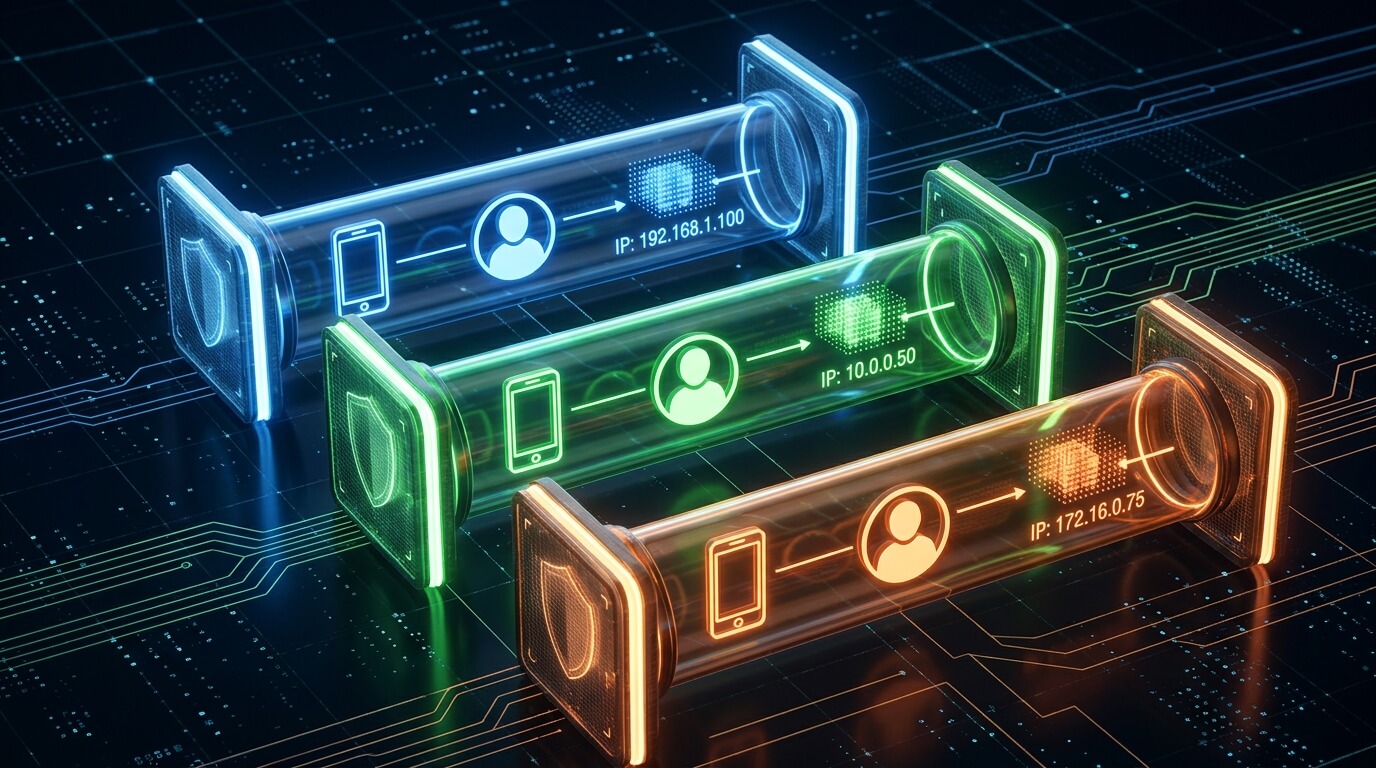
The Golden Rule: 1 Device = 1 Account = 1 Proxy
Never mix your assets. If you have 10 Instagram accounts, you need 10 separate cloud phones and 10 separate IP addresses. Here is how to configure them:
- Provision the Cloud Phones: Create your virtual devices in your cloud console. Ensure that the antidetect features are enabled so that each device has a distinct IMEI and Android ID.
- Configure the Proxy Network: This is a critical step. Do not use standard VPN apps from the Google Play Store; they frequently leak data. Instead, bind a dedicated, high-quality residential IP directly into the cloud phone's network layer using a professional proxy network manager. This ensures 100% of the traffic routes through the assigned IP.
- Match the Timezone and Language: Ensure the cloud phone's system settings (Timezone, Language, GPS location) match the physical location of the Proxy IP you assigned. If your IP says you are in New York, but your phone's system time is set to London, the platform's anti-fraud system will immediately flag you.
- Download the Native Apps: Download the target applications directly from the official Google Play Store to ensure you have the latest, untampered APKs.
- Log In and Warm Up: Log into the single designated account on that device. Do not immediately start sending 100 cold messages. Spend the first few days acting like a normal human—scroll the feed, watch videos, leave a few organic comments, and let the device establish a clean history.
5. Scaling and Team Collaboration
One of the hidden nightmares of multi-account management is workflow chaos. When an agency manages 50 clients, keeping track of passwords, proxies, and devices via spreadsheets is a recipe for disaster.
Enterprise cloud phone platforms solve this by acting as a centralized digital workspace. A team manager can view a "Console" of all 50 cloud phones running simultaneously. Through advanced permission settings, the manager can assign "Device 1-5" to Employee A, and "Device 6-10" to Employee B. The employees can access these phones and perform outreach without ever seeing the raw passwords or being able to accidentally log in from their own personal phones (which would trigger an IP ban).
Furthermore, this centralized architecture allows for seamless handoffs. If an automated script or a junior employee warms up a lead on WhatsApp, they can simply leave the cloud phone window open, and a senior closer can log into the exact same cloud phone from a different country to finish the sale—without changing the device fingerprint or IP address.
6. Frequently Asked Questions (FAQ)
Can I log out of Account A and log into Account B on the same cloud phone?
No. This is the most common mistake beginners make. Even if you change your proxy IP, the hardware fingerprint (Android ID, IMEI) of that cloud phone remains the same. The platform will link Account A and Account B. Always assign one permanent cloud phone instance to one specific account.
What type of proxies should I use for social media multi-accounting?
Always use Static Residential Proxies or Mobile Proxies (4G/5G). Datacenter proxies (like those from AWS or DigitalOcean) are cheap, but social media platforms immediately recognize them as non-human traffic and will shadowban the account. Mobile proxies are the absolute safest because mobile networks naturally share IPs among thousands of real users.
Is it safe to automate actions on multiple accounts?
Automation is powerful but risky. If you run a script that clicks "Like" exactly every 3.0 seconds across 20 cloud phones, the platform's AI will detect the unnatural synchronization. If you automate, use AI-driven tools that introduce random delays, human-like scrolling patterns, and visual UI recognition to simulate organic behavior.
Will I lose my accounts if my cloud phone subscription expires?
Most premium providers allow you to backup your device image or freeze your instances. However, if your data is permanently deleted, you will lose that specific device fingerprint. If you later try to log into that account from a brand new device, you may face 2FA (Two-Factor Authentication) challenges or a temporary security lock.
Conclusion: Treat Accounts Like Digital Assets
In the modern digital economy, a warmed-up, highly trusted social media or e-commerce account is a valuable business asset. Treating them carelessly by logging into multiple accounts from a single physical phone or a cheap emulator is a fast track to getting your assets seized by platform algorithms.
Mastering multi-account management requires investing in the right infrastructure. By deploying cloud phones equipped with Android antidetect capabilities and strict proxy isolation, you create a robust, unbannable matrix. It shifts your operations from a fragile, risky endeavor into a stable, scalable digital execution team.



