
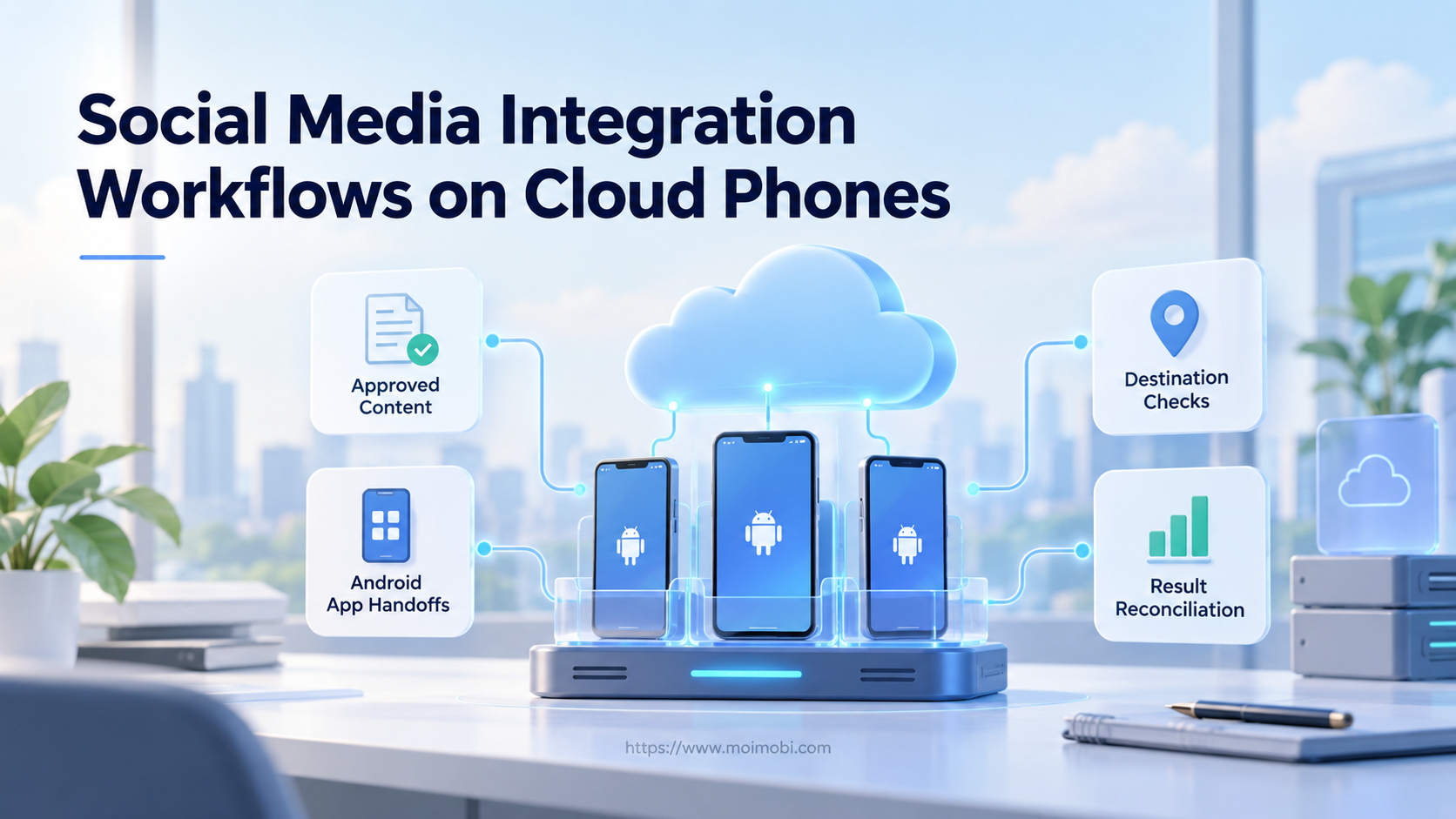
Social media integration connects an approved content package to an authorized destination and returns a usable result record. Before starting, prepare the account assignment, final media, caption revision and a supported execution method. The expected output is a traceable destination result, not merely an opened app or a completed file transfer.
A cloud phone can provide the mobile environment for that handoff. It does not turn every installed social app into an API integration. This guide explains the boundaries between preparation, app handoff and publication verification. It does not claim a tested Moimobi connector for any particular network.
Key Takeaways
- Match one content revision to one intended destination.
- Distinguish moving data into an app from publishing it.
- Check receiving-app access before approving an external action.
- Reconcile ambiguous outcomes before repeating a publish request.
- Return the destination reference to the original content record.
Prepare a social media integration contract

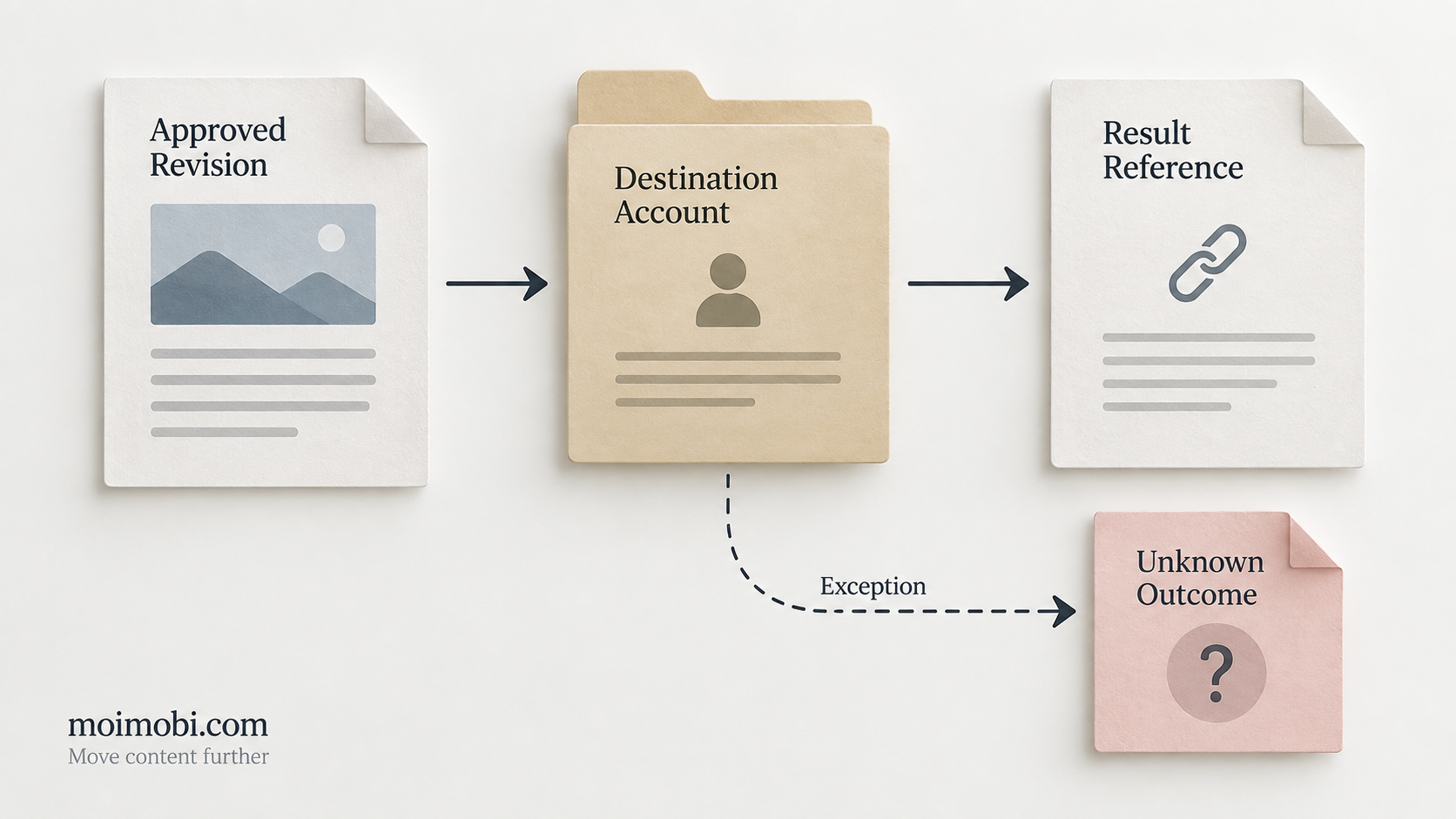
Begin with the information crossing the boundary, rather than choosing a scheduler first. Record a content reference, revision, destination account, intended action and responsible operator. Include the media location and type, caption, approval reference and the field that will hold the eventual result.
Keep this contract separate from account credentials. A campaign record needs to identify the account lane; it does not need its password or session tokens. When several channels receive related content, create separate destination records under the shared campaign reference.
Define what each state means. In this proposed model, prepared means the content package exists. Handed off means the receiving environment obtained it. Submitted means an external action was attempted. Verified means someone or a supported interface observed the intended destination result. Unknown means the outcome cannot yet be established.
Those definitions matter because a downstream team may interpret a generic success flag as permission to start the next task. State names should describe what was actually observed, not what the operator hoped happened.
Choose the boundary: API, app handoff or manual work
Use a supported API route when the account, requested action and available permissions fit that interface. Evaluate its current platform documentation before implementation. The presence of a cloud environment does not establish that permission or compatibility.
For a mobile handoff, Android offers mechanisms for sending data between apps. Its sharing documentation describes intents, actions and data types. The Sharesheet lets users choose a receiving target; the intent resolver serves a defined next task. These are data-routing mechanisms, not evidence that a social post reached its audience.
Manual execution remains a legitimate route when the supported automation boundary is unclear. Prepare the approved package and assignment, then let an authorized operator finish the destination action. Do not label this route fully automated social media posting.
Teams evaluating mobile social-media work should document which boundary applies to each task. A useful integration can reduce retyping without automating the final publication decision.
Run and verify the handoff checkpoints
- Freeze the approved revision. Confirm that caption and media references belong to the same approved package. If either changes, return the package for review instead of silently using newer content.
- Verify the destination. Open the assigned environment and inspect the app's current account identity. Stop when it differs from the destination record. A matching device label is not enough.
- Validate receiving access. Check that the receiving app can obtain the actual file and interpret its type. Android's sharing guide explains that a receiving application needs permission to access a shared URI. A readable source folder elsewhere does not prove that access.
- Inspect the prepared content. Compare the app's preview with the approved caption and media. Resolve missing text, unsupported formatting or changed attachments before submission. Keep this check separate from publication verification.
- Execute the approved action. Use the chosen supported route or authorized manual action. Record that an attempt occurred, without promoting an ambiguous response to verified status.
- Reconcile the destination result. Record the resulting post reference or other observable outcome. If it cannot be found, place the task in unknown status and assign investigation before any repeat attempt.
This sequence is an implementation proposal, not a report of live connector testing. Checkpoints should be adapted to the actual app and interface. Do not collect private inbox content just to prove that a task ran.
Handle social media integration failures before retrying
An interrupted connection creates an important ambiguity: the action may have completed even though its response never arrived. Microsoft's Retry pattern guidance explains that repeating a non-idempotent operation can execute it more than once. It also distinguishes transient failures from faults that should cancel an operation.
Apply that principle carefully to publication. A timeout is not proof that nothing was published. Inspect the destination or use the supported interface's result lookup before deciding to retry. An internal task identifier alone does not establish that repeating the external action is safe.
For account groups, use an explicit account-lane assignment. Prevent another operator from treating the same unknown result as a fresh task. A proposed exception record should name the uncertain attempt, last observation, reviewer and next permitted action.
Avoid layered retries across the scheduler, device controller and operator checklist. Microsoft's guidance warns that nested retries can introduce lengthy delays. Set responsibility at the boundary that has enough context to evaluate the outcome, rather than letting every layer repeat the action independently.
Frequently Asked Questions
Does sharing a file prove that it was published?
No. Data transfer and publication are separate checkpoints. Inspect the destination result before closing the task.
Can every installed app receive the same package?
Do not assume so. Validate the receiving app, data type, file access and actual preview for the selected route.
Should a cloud phone replace an available API?
Not automatically. Choose the route that supports the permitted task and provides suitable result verification.
What happens after a timeout?
Treat the outcome as uncertain until reconciled. Repeating a publication action without checking can create duplicate work.
Which record connects channels to a campaign?
Use one campaign reference with separate destination records. Each destination needs its own result and unresolved exception state.
Is a universal connector claimed here?
No. This is a boundary-design guide. Specific app compatibility and permissions require separate verification.
How should teams measure improvement?
Compare corrected handoffs, unresolved outcomes and duplicate attempts with the previous process. Do not invent a productivity percentage before measurement.
Close the loop without confusing transfer and delivery
Reliable integration makes each handoff understandable. Start with an approved revision, verify the destination, inspect the receiving preview and reconcile the final result. Keep uncertain outcomes visible. That distinction gives the next team something actionable without pretending that an opened app proves successful publication.



